
Analyze users, clients, and abnormal database activity
Analyze users, clients, queries, tables, and abnormal database activity. Detect behavioral changes and investigate historical activity across every database.
Native telemetry used
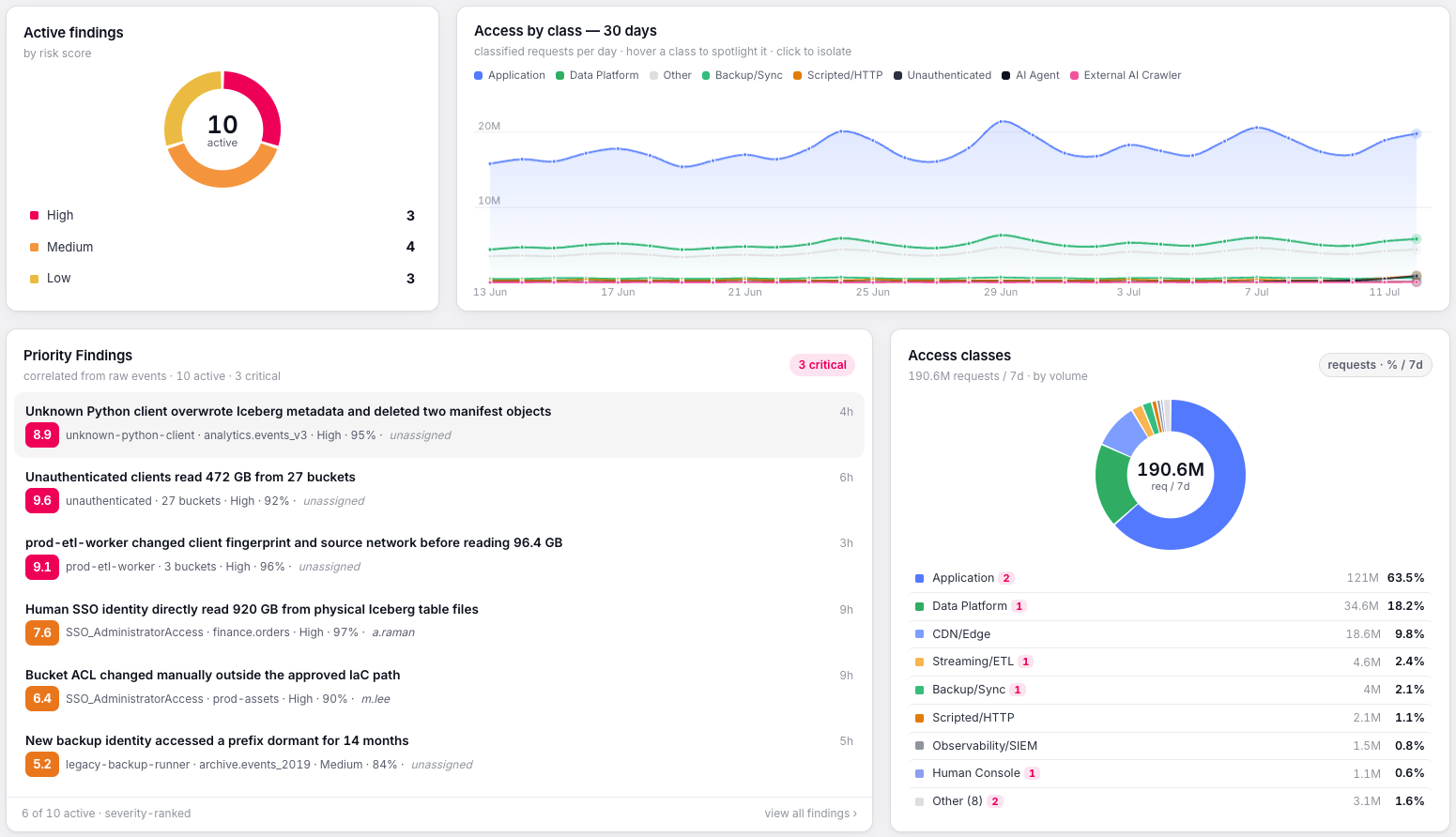
Trailox reads ClickHouse's own system tables, query_log, session_log, and query_thread_log, which capture every query executed against the cluster.
What access Trailox can see
Every query executed, the user and client that issued it, the tables and databases it touched, rows and bytes read, and execution time.
Identity and client attribution
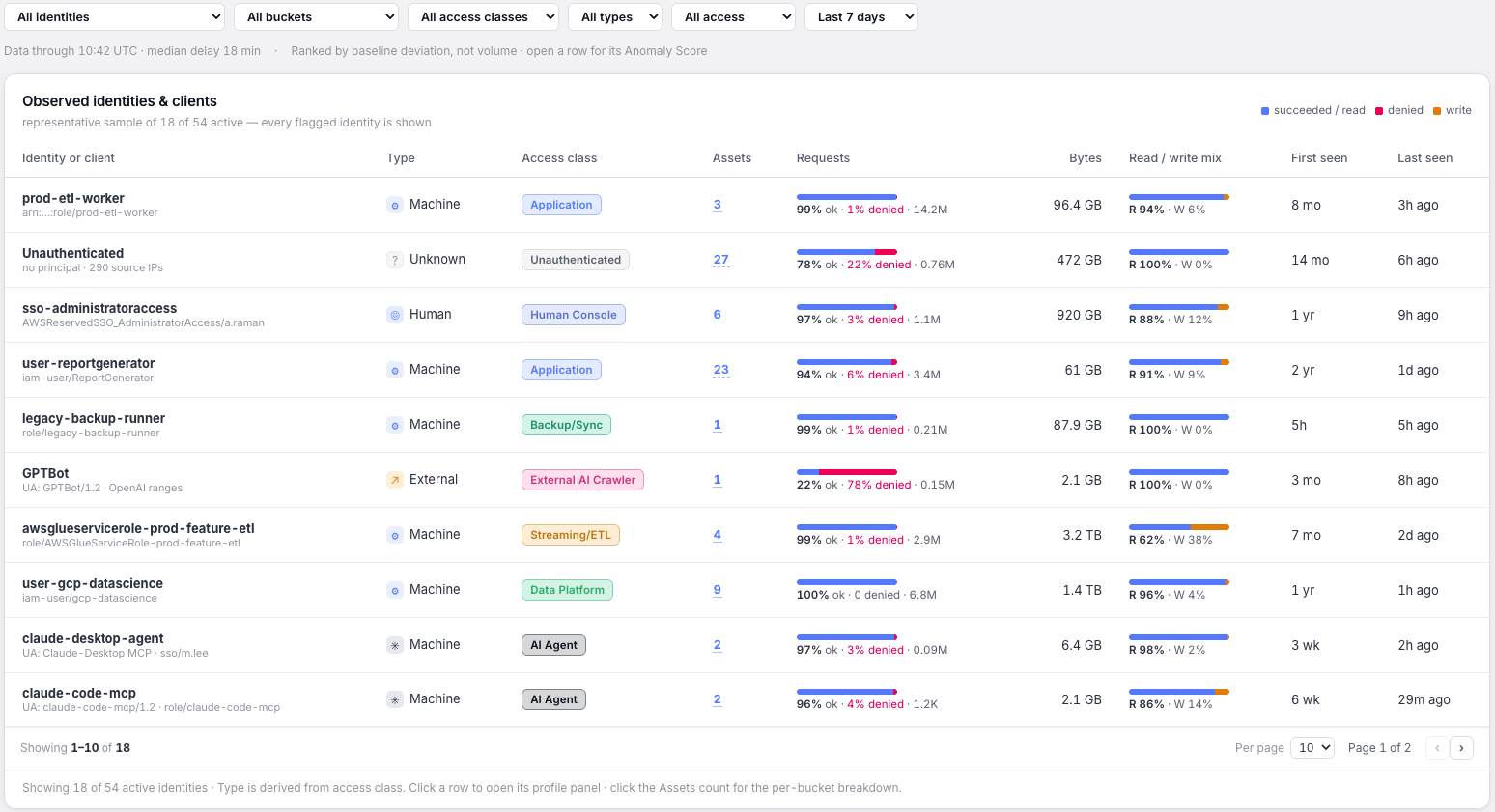
Trailox resolves every query to the ClickHouse user that ran it and to the connecting client, the native client, the HTTP interface, a JDBC or ODBC driver, or a BI tool.
Behavioral detections for ClickHouse
- A user or client accessing a table for the first time
- Query volume or rows scanned that is abnormal for a given user
- An unfamiliar client or connection source querying an existing identity
- Query activity outside a user's established hours or pattern
- Sudden expansion into new databases or tables
Investigation capabilities
Search historical query activity by user, table, or client, and reconstruct every query that touched a given table over time.
How Trailox connects
A read-only user with SELECT access to the relevant system tables. No changes to cluster configuration are required.
Start with proof,
not a pitch.
Scoped read-only role, 30-day lookback, results in 48 hours.