AI AGENT SECURITY

Your AI agents are reading your data. Do you know what they touched?

Every agent, every credential, every object - it's all in your access logs. reCost reads them so you can see what your autonomous systems are actually doing in your cloud storage.

Book a Demo
THE MECHANISM

Anatomy of an agent fingerprint

One S3 server access log line carries everything needed to identify an agent and what it did. No SDK in the agent, no proxy in front of the bucket.

s3://prod-data-lake · server access log · one line = one requestSynthetic values
79a59df900b949e5 prod-data-lake [06/Jul/2026:03:14:22 +0000] 203.0.113.42 arn:aws:sts::123456789012:assumed-role/rag-agent-role/i-0f3e2a 3E57427F3EXAMPLE REST.GET.OBJECT pii-exports/2023/users-000481.parquet "GET /pii-exports/2023/users-000481.parquet HTTP/1.1" 200 - 8388608 - 41 40 "-" "Boto3/1.9.253 Python/3.6.9 Botocore/1.12.253"
3. Timestamp: 3am access to sensitive data
1. Requester ARN: which identity made the request
2. Operation: read, write, list, delete
4. Object key: exactly what was touched
5. Bytes: how much left the bucket
6. User-agent: SDK fingerprint - this one is EOL from a known-CVE era
Every request your agents make already produces this. reCost reads millions of these per hour.
Shadow agent discovery

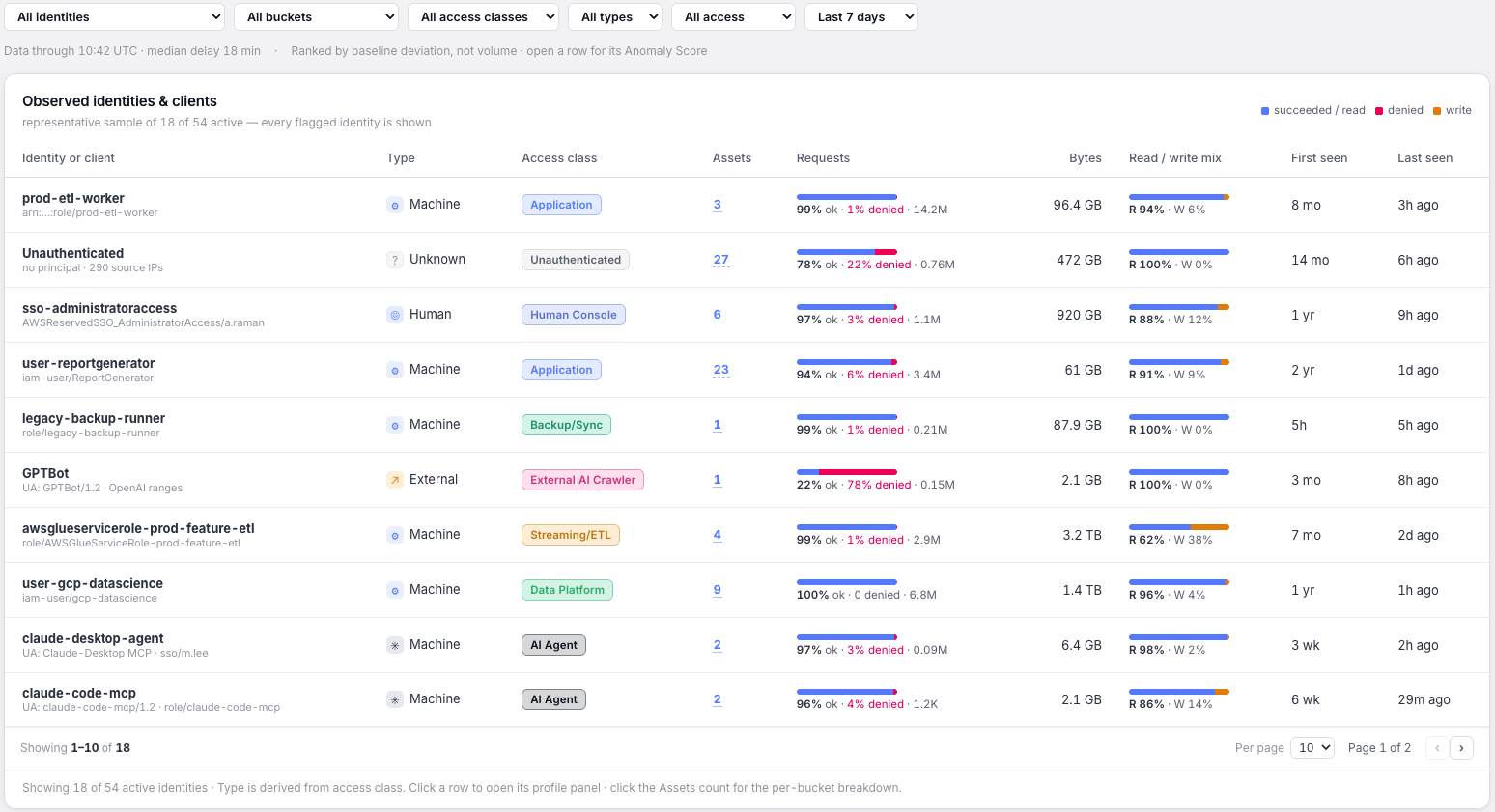
Machine identities fingerprinted from access patterns and user-agents - including the ones nobody registered.

Idle-data awakening

Dormant objects suddenly read in bulk get flagged, whoever - or whatever - woke them.

Exposure through agents

New prefixes, bulk reads, odd hours: compromised agent credentials leave an unmistakable log trail.

Runaway reads

An agent looping your hottest bucket 2M times a day shows up here before it shows up on your bill.

Vulnerable SDKs & stale credentials

EOL SDK versions and long-dead credentials still touching data, straight from the user-agent field.

WHAT DETECTION LOOKS LIKE

Baselines make anomalies obvious

Runaway read loopSample data
1M100K10KRunaway loop detected: 40x baselineday 1day 14daily GET requests · one agent identity · log scale
Dormant-data awakeningSample data
models/embeddings/analytics-parquet/raw-events/2026/pii-exports/2023/day 1day 14Dormant prefix (34 months idle) read by new agent identity
THE INVENTORY YOU DIDN'T KNOW YOU HAD
Sample data

You approved three agents. The logs show more.

IdentityFingerprint (SDK / user-agent)First seenObjects touchedStatus
rag-agent-roleBoto3/1.34.x Python/3.112025-09-021.2MApproved
etl-pipeline-roleGlue/4.0 aws-sdk-java2024-03-188.4MApproved
support-copilot-roleBoto3/1.33.x Python/3.102025-11-27310KApproved
assumed-role/i-0f3e2aBoto3/1.9.253 Python/3.6 (EOL, CVE-era)2026-05-14740KUnregistered
vendor-sync-useraws-cli/1.16.x2026-06-0156KUnregistered
notebook-role/j-88LangChain/0.2 Boto3/1.342026-06-192.1MUnregistered
batch-export-roleBoto3/1.28.x Python/3.92026-06-3097KUnregistered
legacy-backup-users3cmd/2.02022-01-1112KStale credential
WHERE AGENT ACTIVITY IS VISIBLE

The same activity, four vantage points

The question is not who can see object-level activity - it is what seeing it costs at scale. Posture tools and reCost answer different questions - see reCost vs. DSPM for the full comparison.

CloudTrail (mgmt events)SIEM (typical config)DSPMreCost
Object-level read visibilityYes, with data events enabled - priced per event (~$100K/mo at 100B req at list price)Only what you ingestPosture-first tools: no. Activity/DDR modules: partialYes - every request, every object
Agent fingerprinting (user-agent + pattern)In data events, at the same per-event costPossible, rarely configuredNot from storage access logsYes - built in
Dormant-data access flagNoRequires custom correlationNoYes - baseline per prefix
Cost at 100B+ requests/monthData events priced per eventPer-GB ingest becomes prohibitiveN/A (doesn't ingest activity)Flat - built for this volume
Requires agent / proxy installNoCollectors / forwardersScanner permissionsNo - reads existing logs
FAQ

AI agent monitoring, answered

How do I monitor what AI agents access in S3?

reCost analyzes your S3 server access logs and fingerprints agent traffic by access pattern and user-agent string. You see which agent identities read which objects, when, and how much - without installing anything in the agent or the bucket.

Can I detect unauthorized AI agents in my cloud storage?

Yes. reCost identifies machine-like access behavior across all identities in your access logs, including agents nobody registered. Identities that behave like agents but aren't on your approved list are surfaced for review.

How do I know if agent credentials are compromised?

Compromised agent credentials show distinctive patterns in access logs: reads against new prefixes, bulk downloads, activity at unusual hours, and access to long-dormant data. reCost flags these deviations from each identity's established baseline.

Does this require installing anything?

No. reCost is agentless and read-only. It works from the S3 access logs and inventory you already have. A read-only IAM role connects it in about 5 minutes.

Agentless monitoring for your agents. Read-only. Connected in 5 minutes.

Book a Demo

See exactly what's happening in your S3 data layer

Works with your existing AWS setup. Read-only access. No agents. No data exposure.

Book a Demo